Categories: Payment

Recharge SourcinBox Balance With Payoneer

By: SIB Content Team
March 3, 2022
16 min read
avatar

SIB Content Team

The SourcinBox Content Team is dedicated to providing insightful, data-driven, and actionable content for dropshippers and eCommerce entrepreneurs. With expertise in product sourcing, supply chain management, branding, and fulfillment automation, we help online sellers navigate the ever-evolving world of cross-border eCommerce.
We are excited to tell you that now you can easily use Payonner to recharge SourcinBox balance directly. SourcinBox app is integrated with Payoneer via API. Payoneer is the most recommended payment option.

We are excited to tell you that now you can easily use Payoneer to recharge SourcinBox balance directly. SourcinBox app is integrated with Payoneer via API. Payoneer is the most recommended payment method, and if you haven't got a Payoneer account yet, please learn more about Payoneer and sign up here.


Please follow the steps below to recharge.


1. Log in SourcinBox app and go to "My Wallet - Recharge".
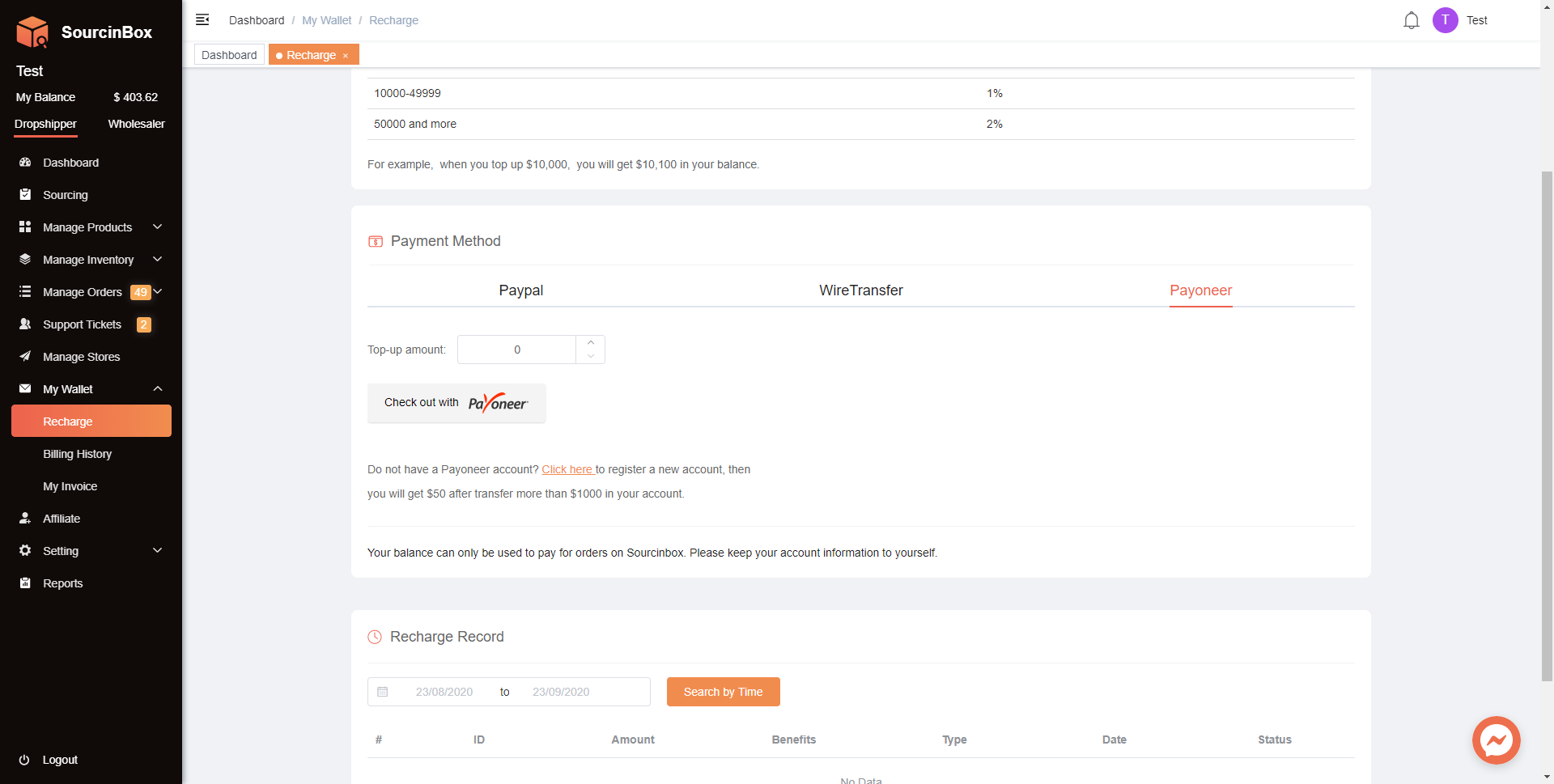


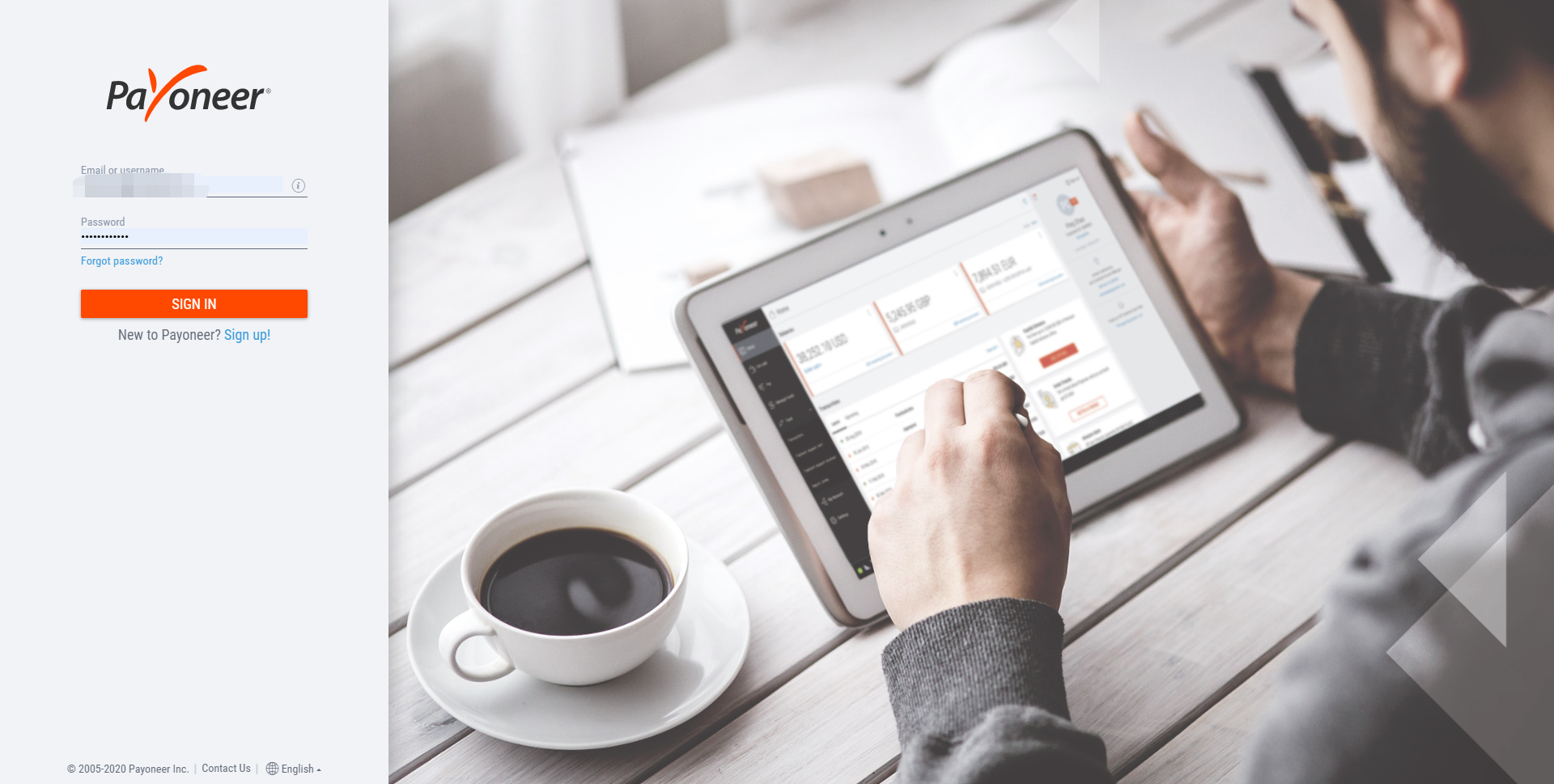
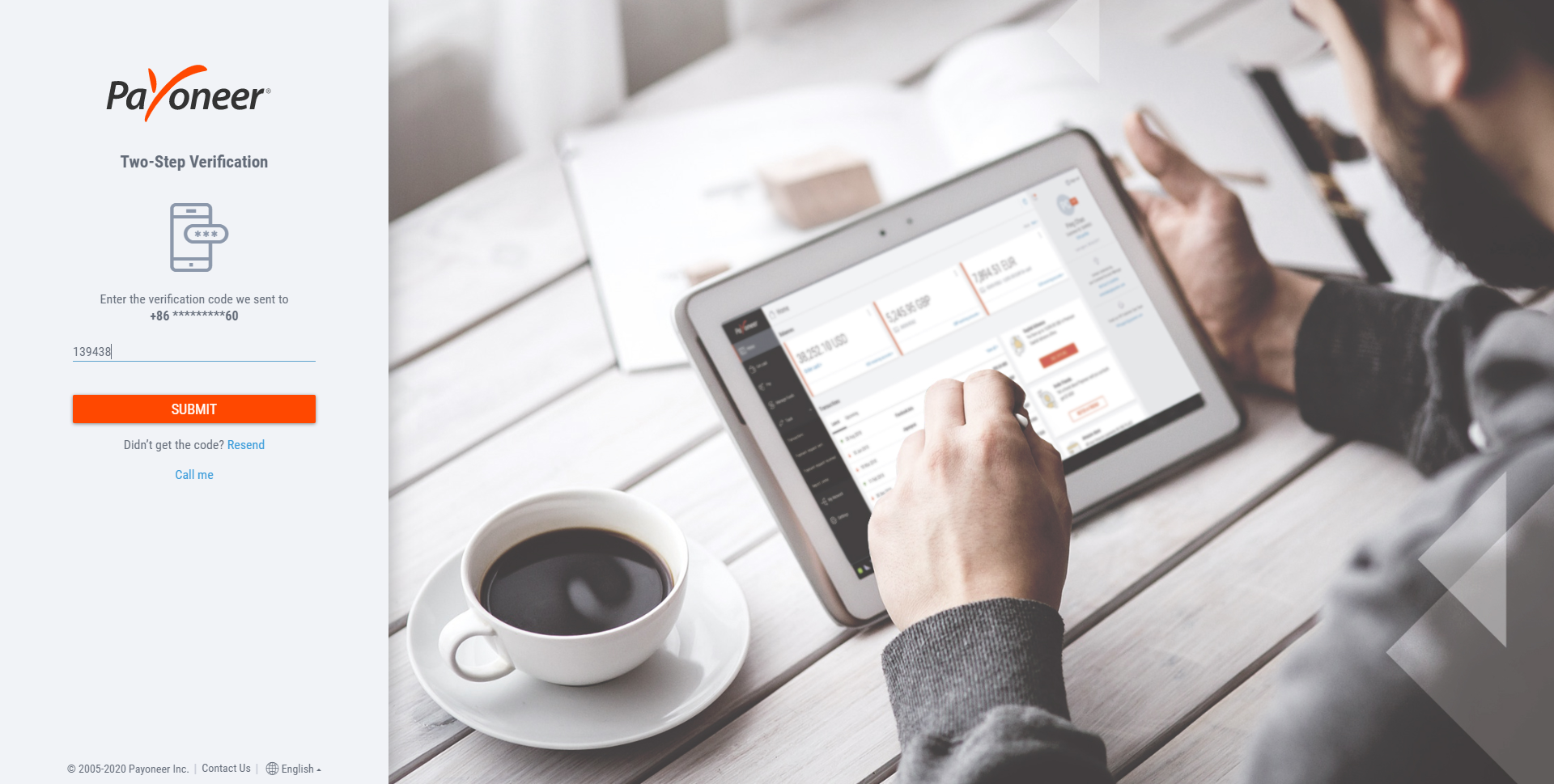
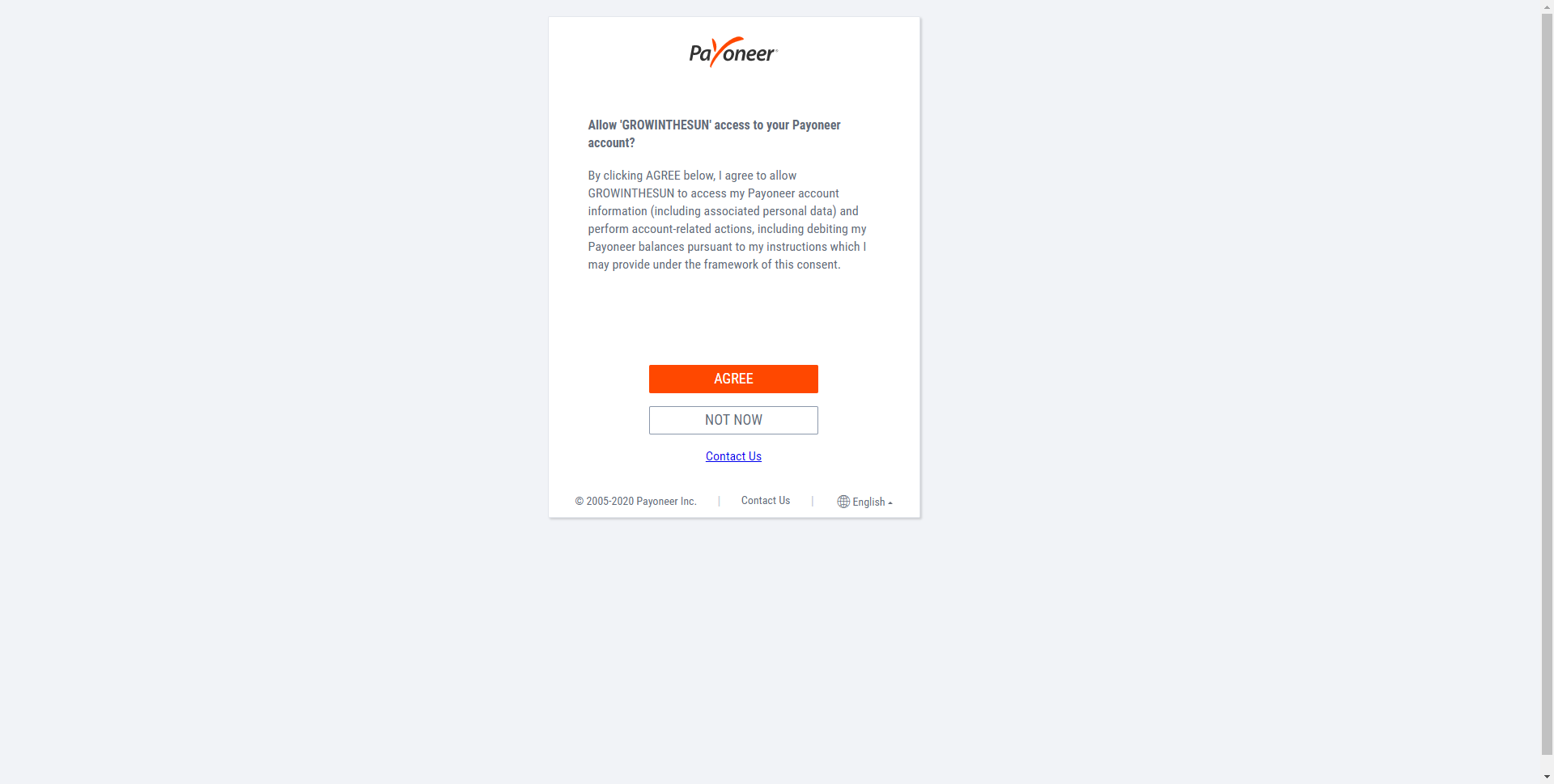
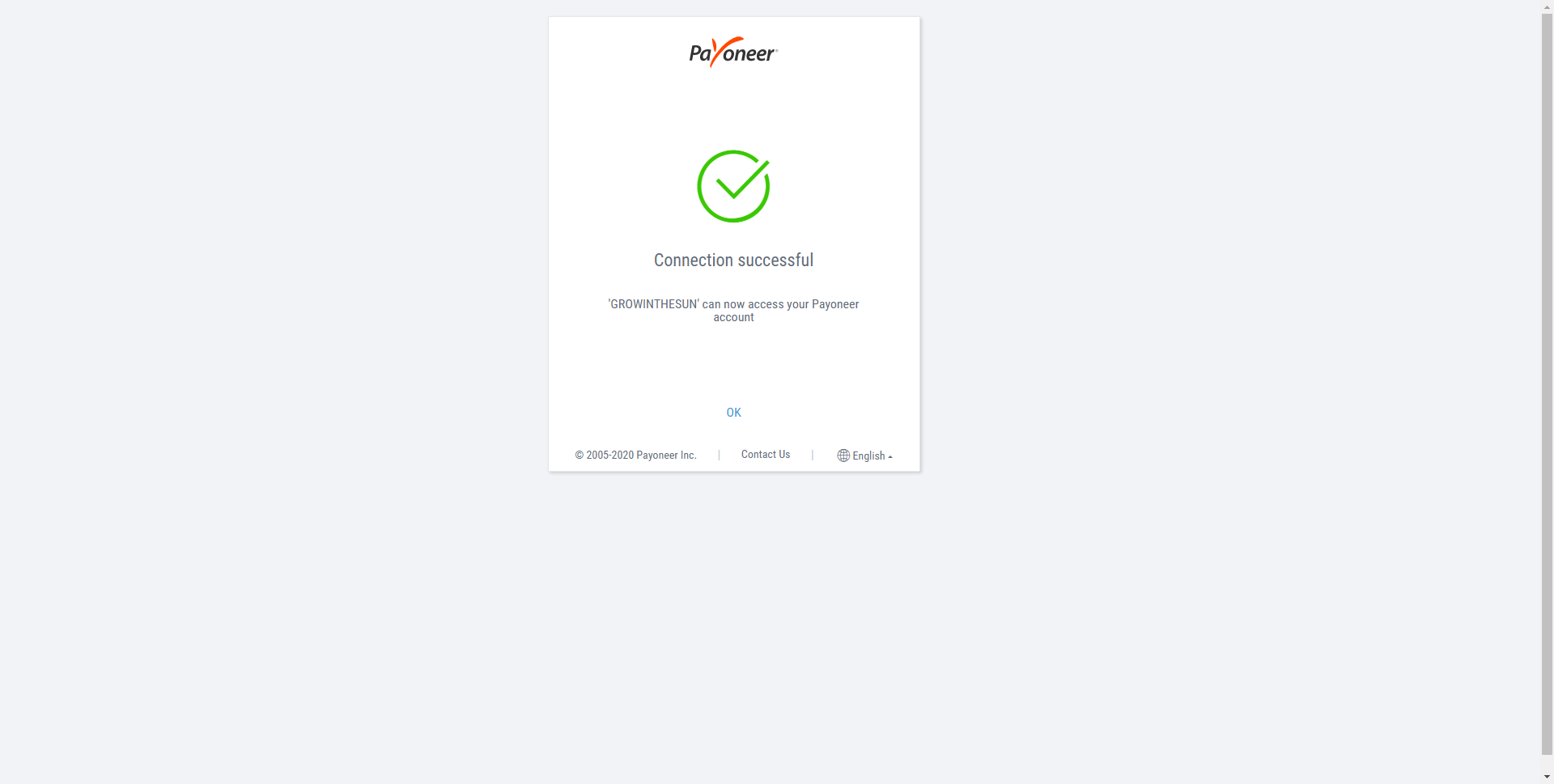
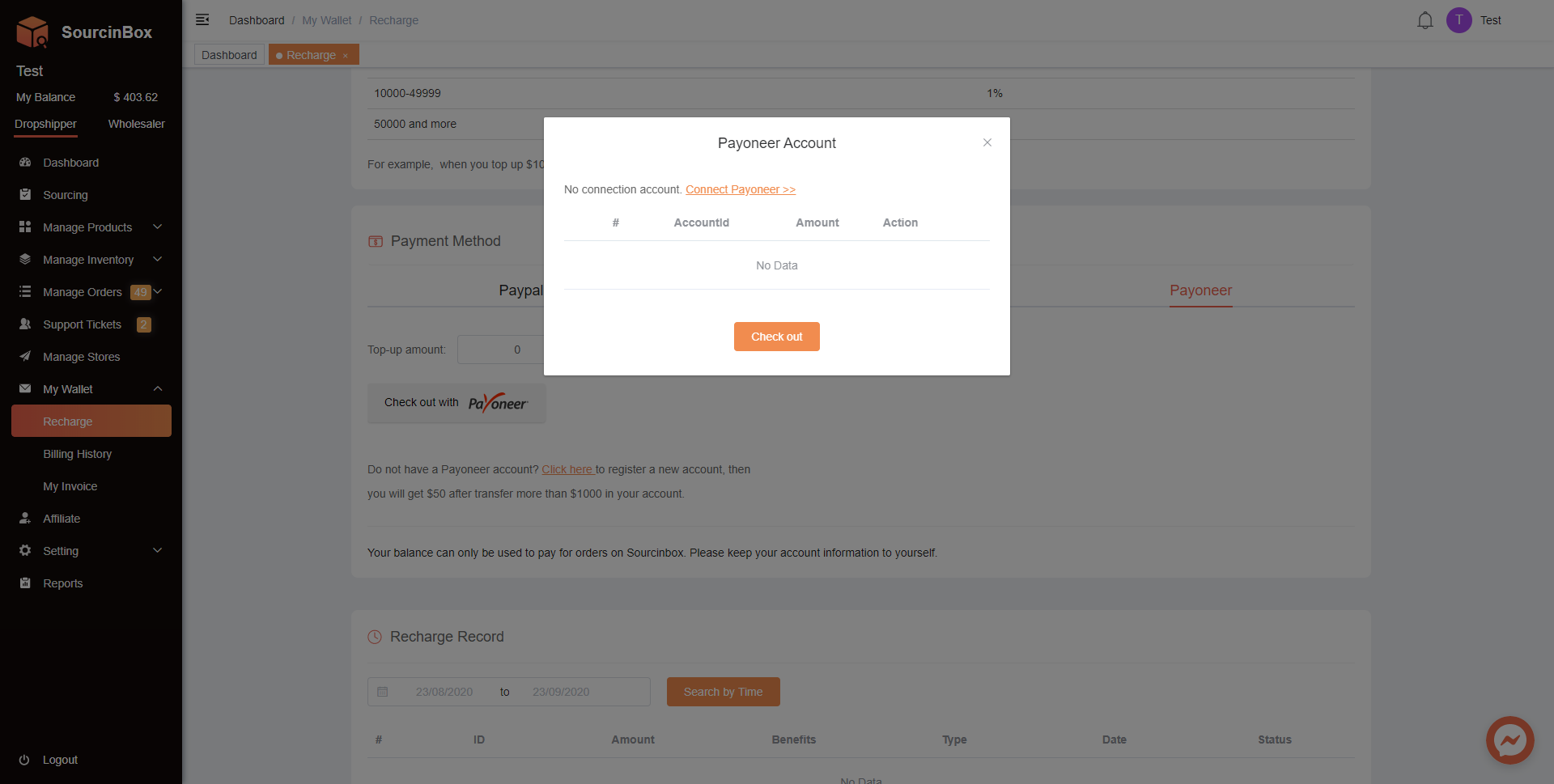
2. Choose Payoneer as the payment method and connect your Payoneer account with SourcinBox app.


Please click "Connect Payoneer" which directs to the Payoneer page.


3. Recharge SourcinBox balance with Payoneer.


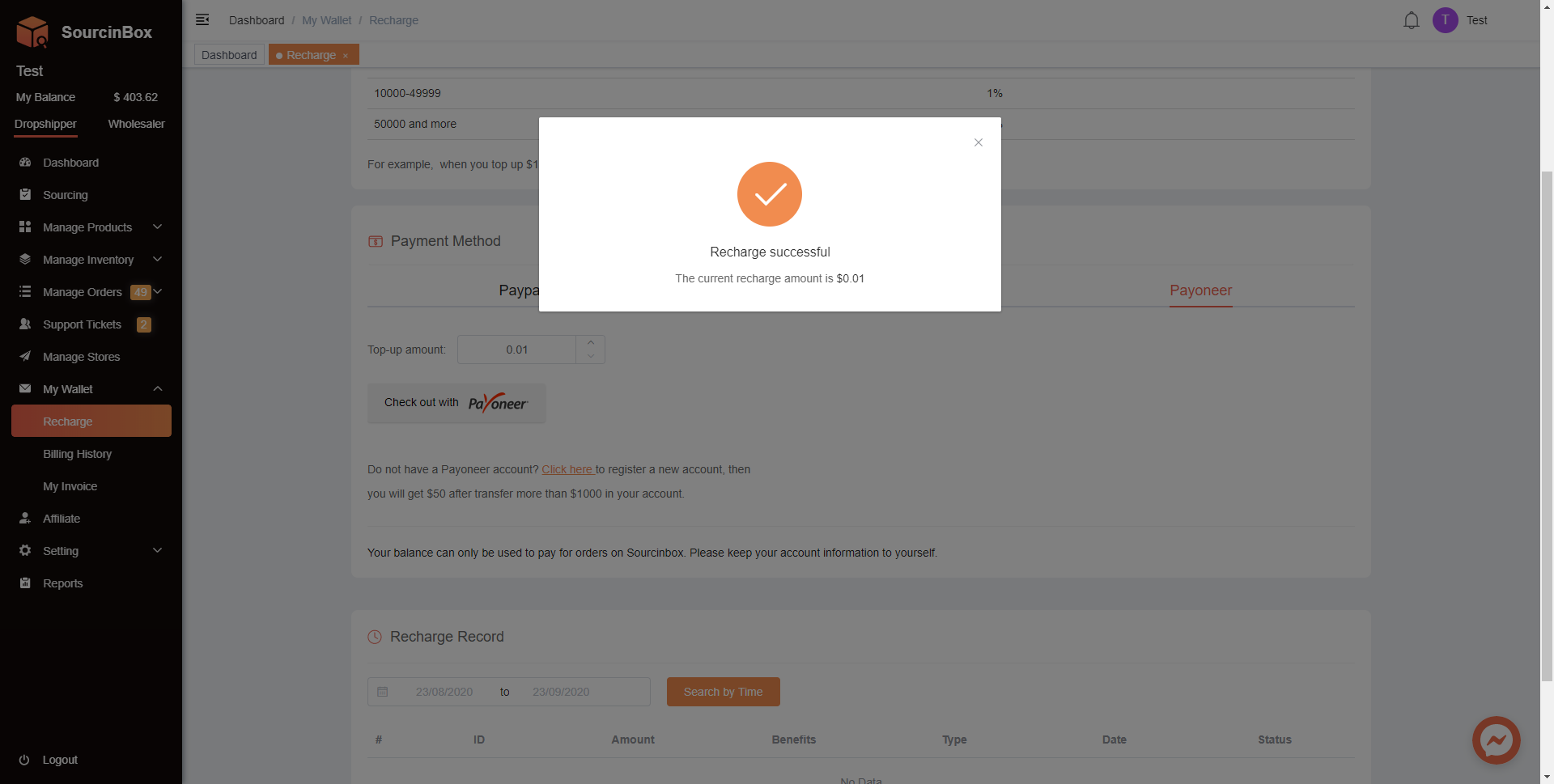
3.1. Go back to SourcinBox app - "My Wallet - Recharge" and choose Payoneer as the payment method.
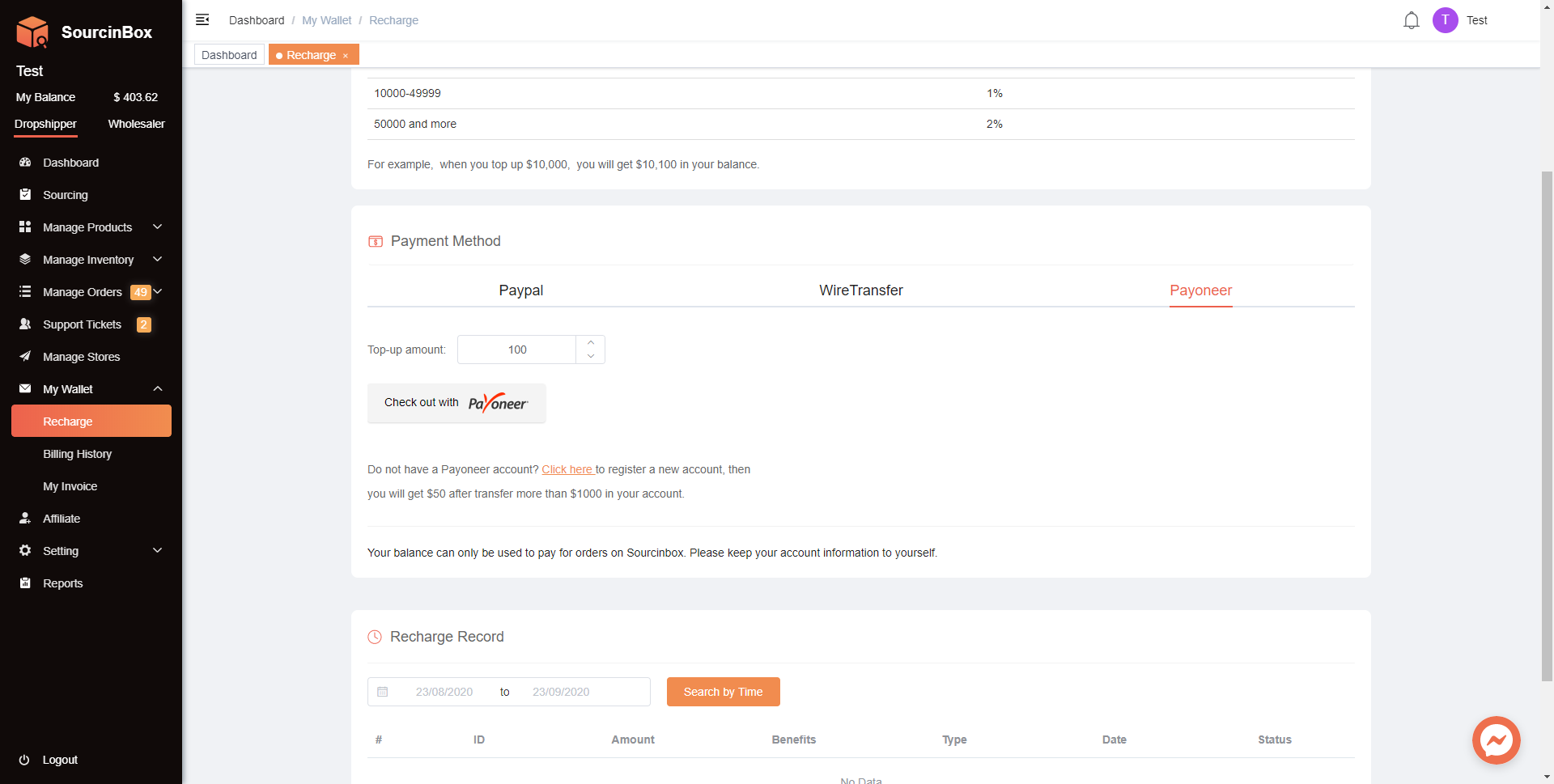


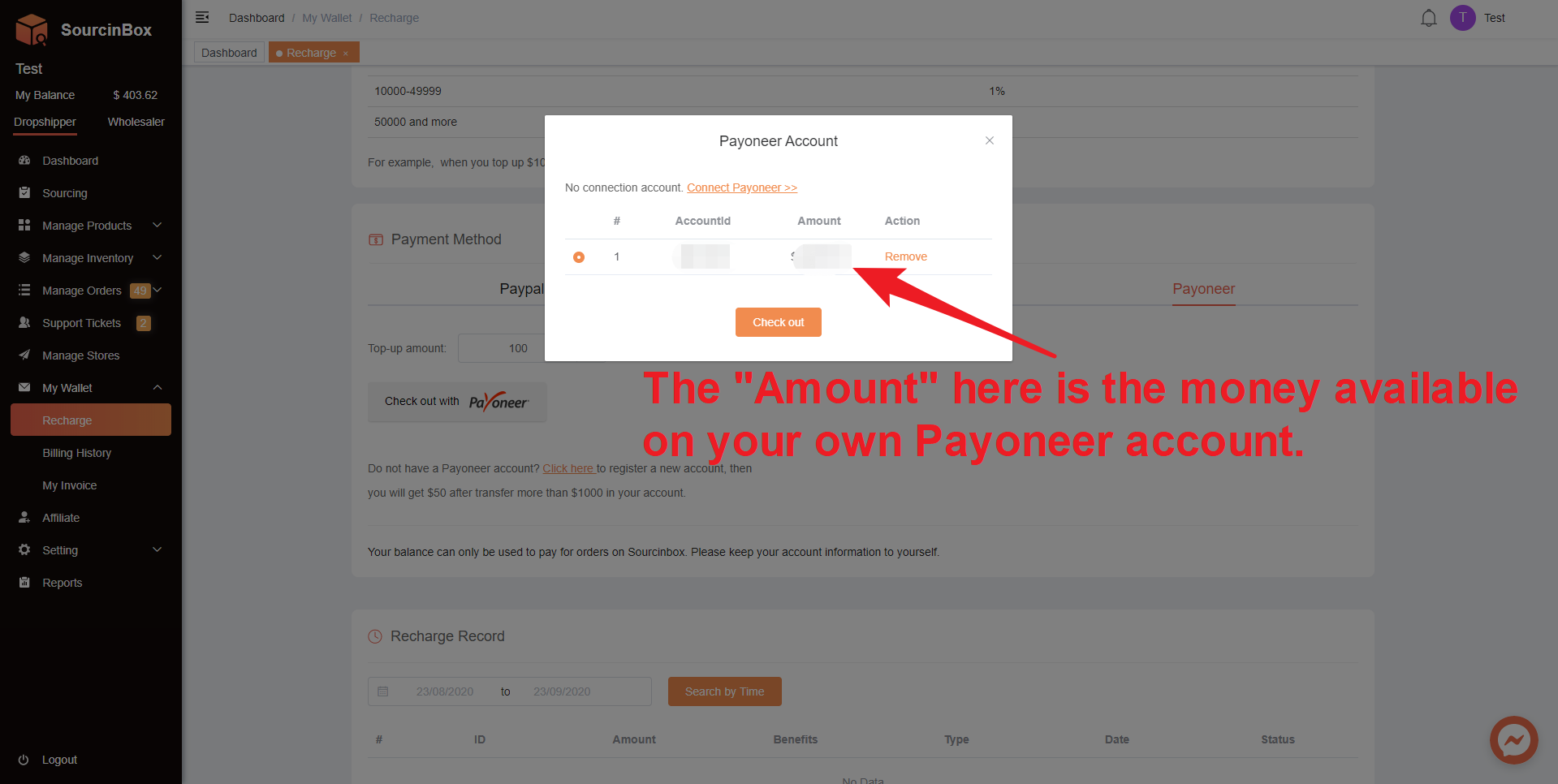
3.2. Enter the "Top-up amount" to be recharged and click the button "Check out with Payoneer"


Please note that it won't show your account if there's no balance on your own Payoneer balance.
 

Share Article:

    Ir para o Blog em Português →
    Get the latest insights on the Latin American eCommerce market.

    Tag

    PaymentPayoneerSourcinboxSourcinbox App

    Popular Post